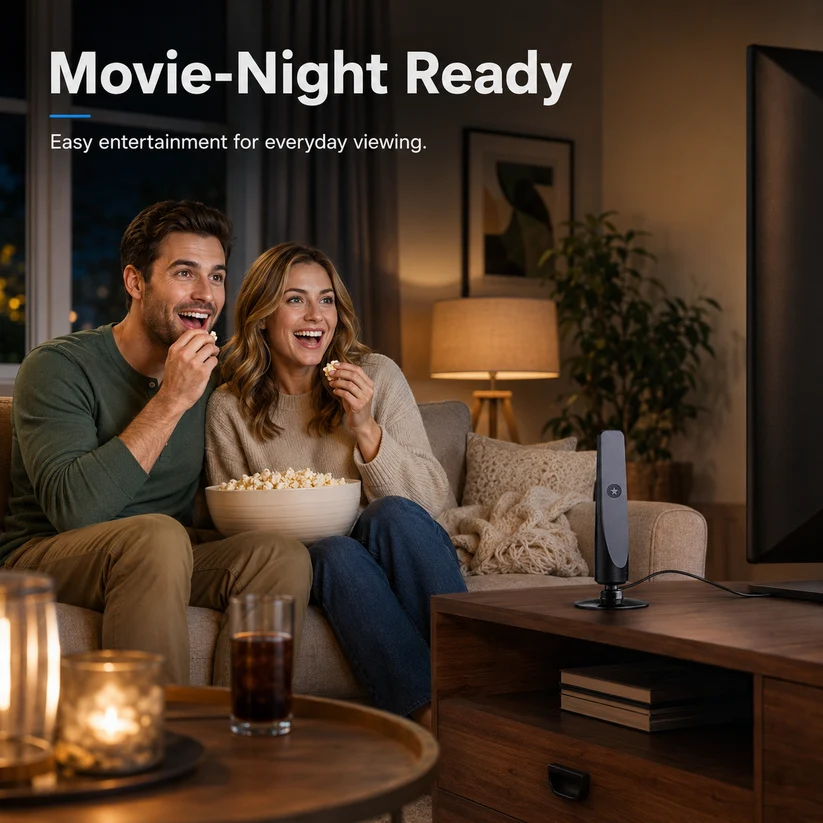
HD TV Antenna – No Subscription, Easy Setup
HD TV Antenna – No Subscription, Easy Setup


BUNDLE & SAVE
Couldn't load pickup availability
-
Ordered
- - -
Order Ready
- - -
Delivered

HD TV Antenna – No Subscription, Easy Setup
4 K / 1080 P HDTV Indoor Antenna – FREE Local Channels, 360-Degree Reception
Cut the Cable – Watch ABC, CBS, NBC, FOX, PBS & More for $0
No contracts, no monthly bills. Enjoy live news, sports, sitcoms and kids’ programming in crystal-clear Full HD straight from the broadcast tower.

100+ Free HD TV Channels
Never feel like you have nothing to watch again.Enjoy a wide selection of available entertainment,news, sports, and everyday TV programming.
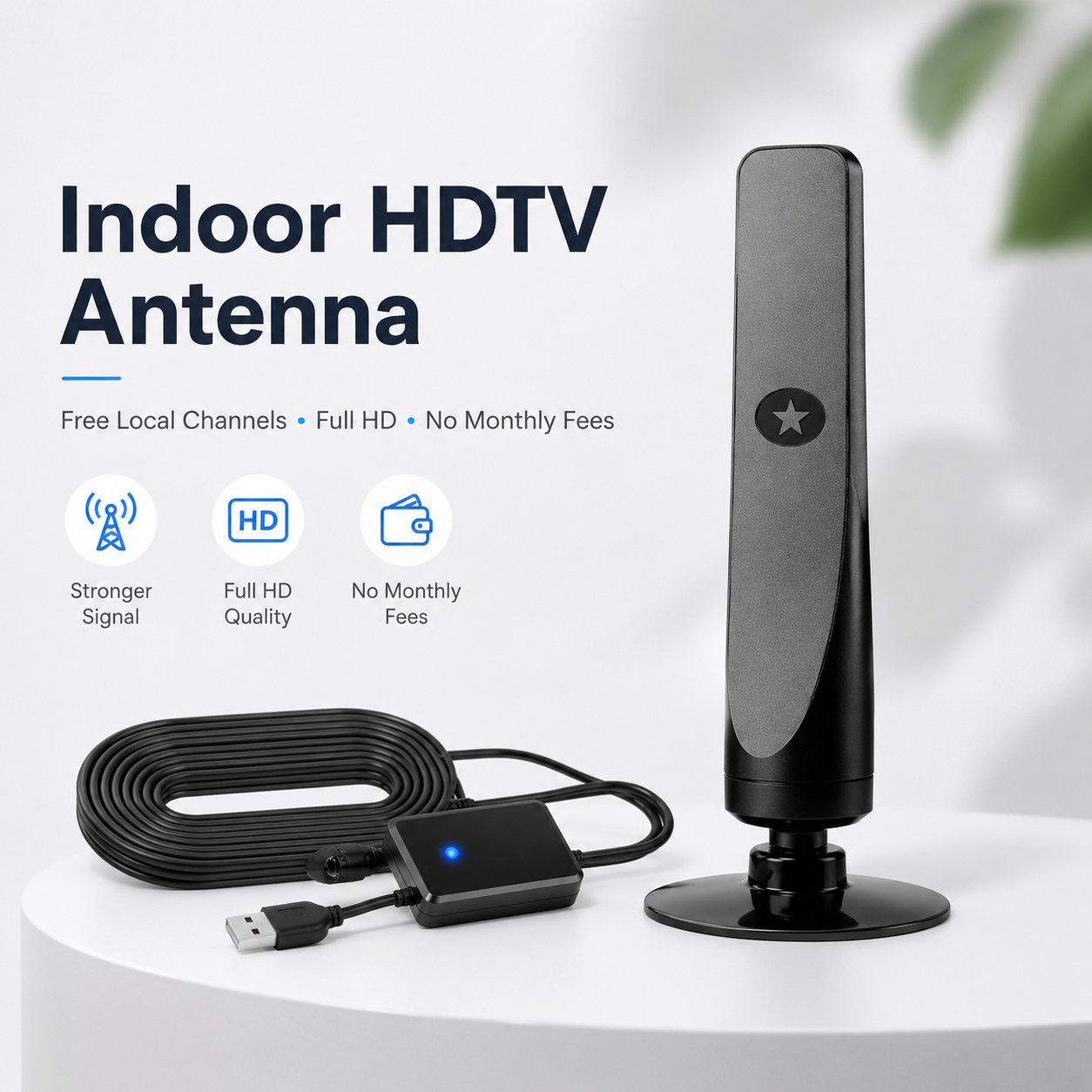
Extra-Long Range
Designed to pick up TV signals from long distances,helping you enjoy clearer entertainment even in areas with weaker reception.
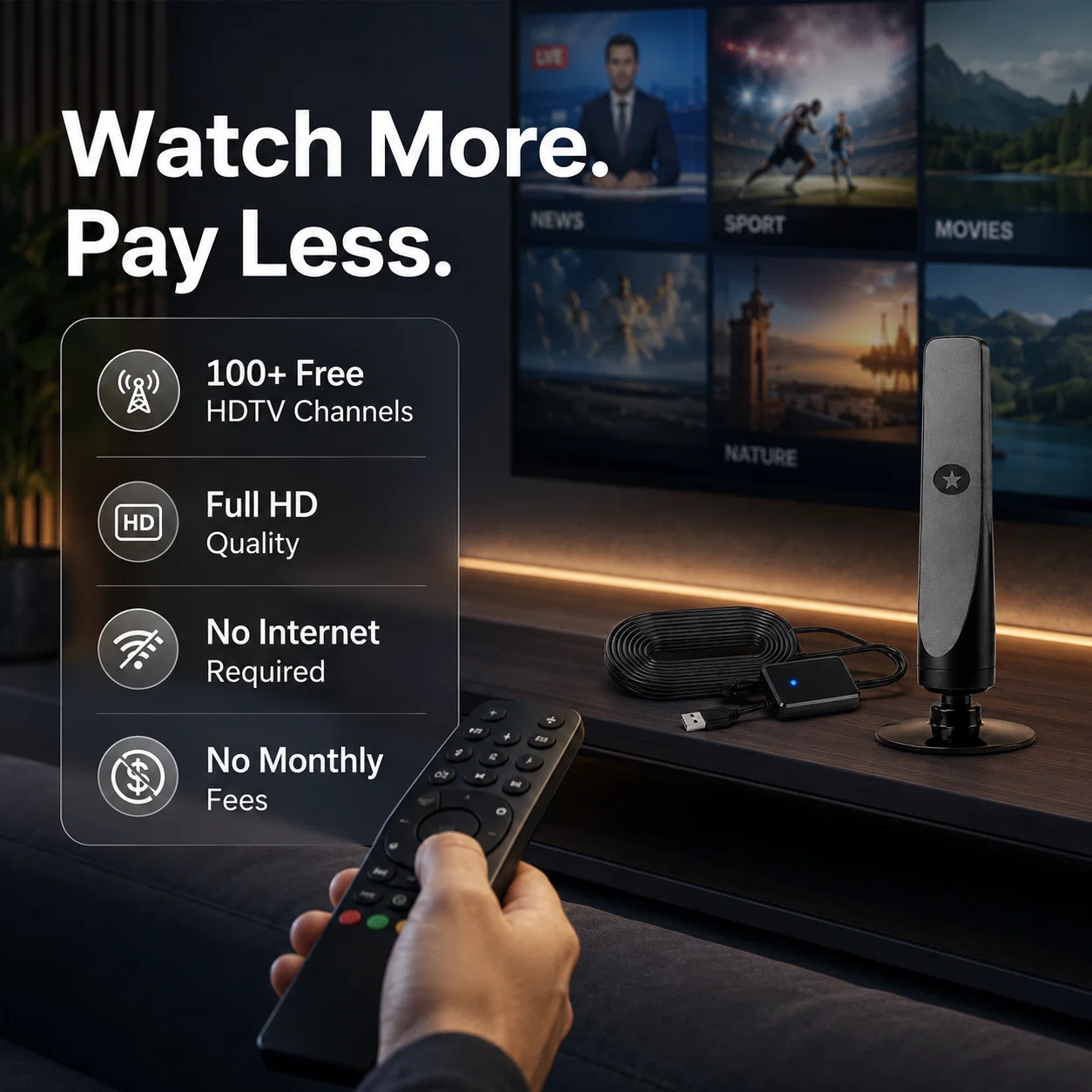
Full HD Quality
Say goodbye to poor picture quality. This antenna helps deliver crisp, clear HD viewing when placed in the right signal location.
No Subscriptions or Fees
No expensive monthly subscriptions or cable fees required. Watch more, spend less, and enjoy simple TV access at home.
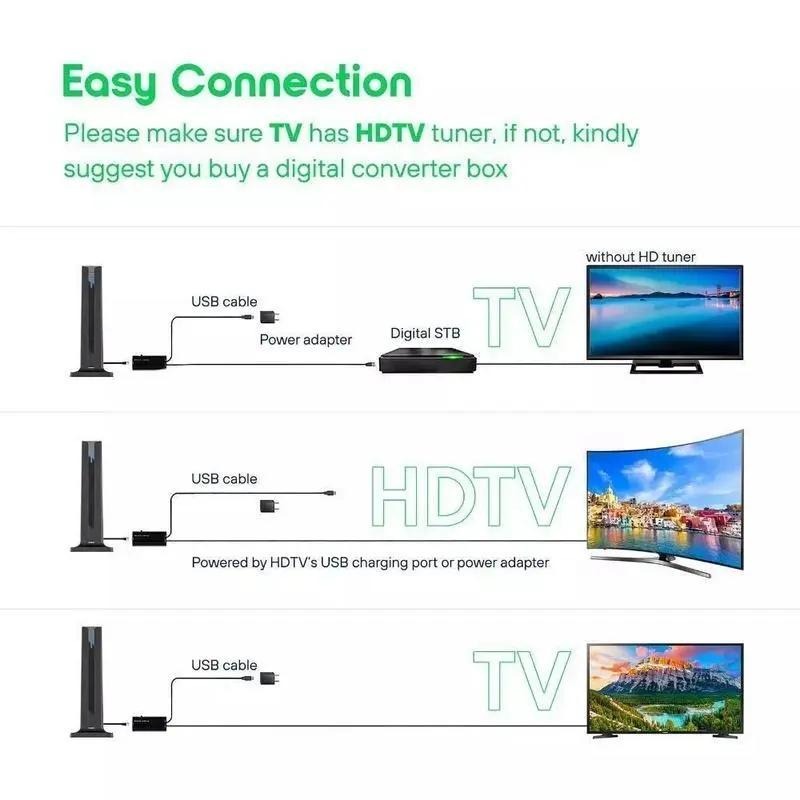
Plug-&-Play in 3 Easy Steps
① Connect coax to the TV’s “ANT/CABLE-IN”.
② Power the inline amplifier from any USB port.
③ Run “CHANNEL SCAN” – done! Built-in LEDs let you verify power at a glance.

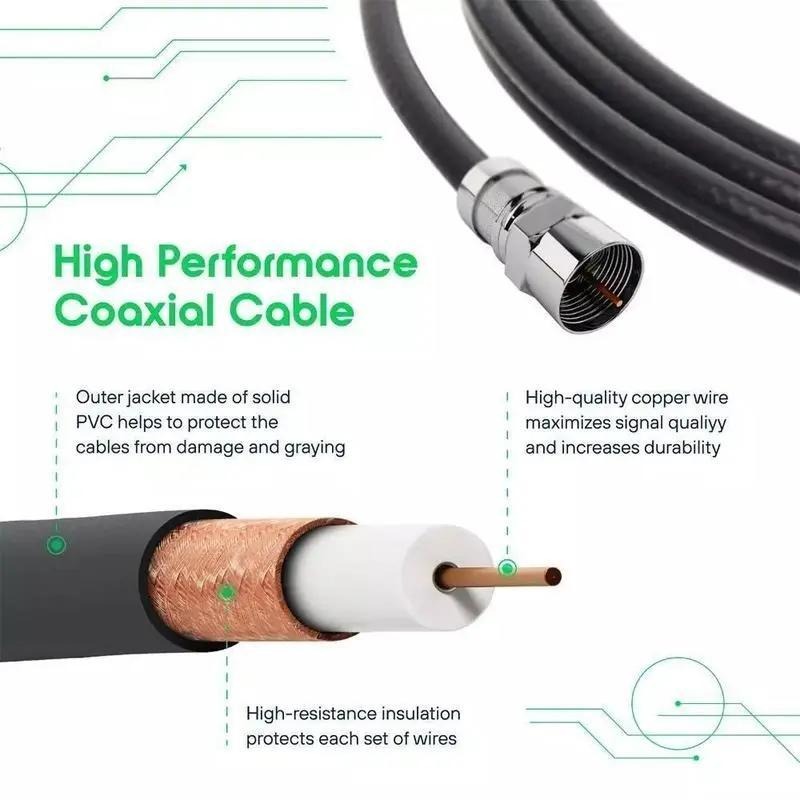
Premium 16 ft High-Performance Coax
Pure-copper core + triple shielding cuts signal-loss by 50 % versus cheap cable, so you can park the antenna in the sweet spot without rearranging the furniture.
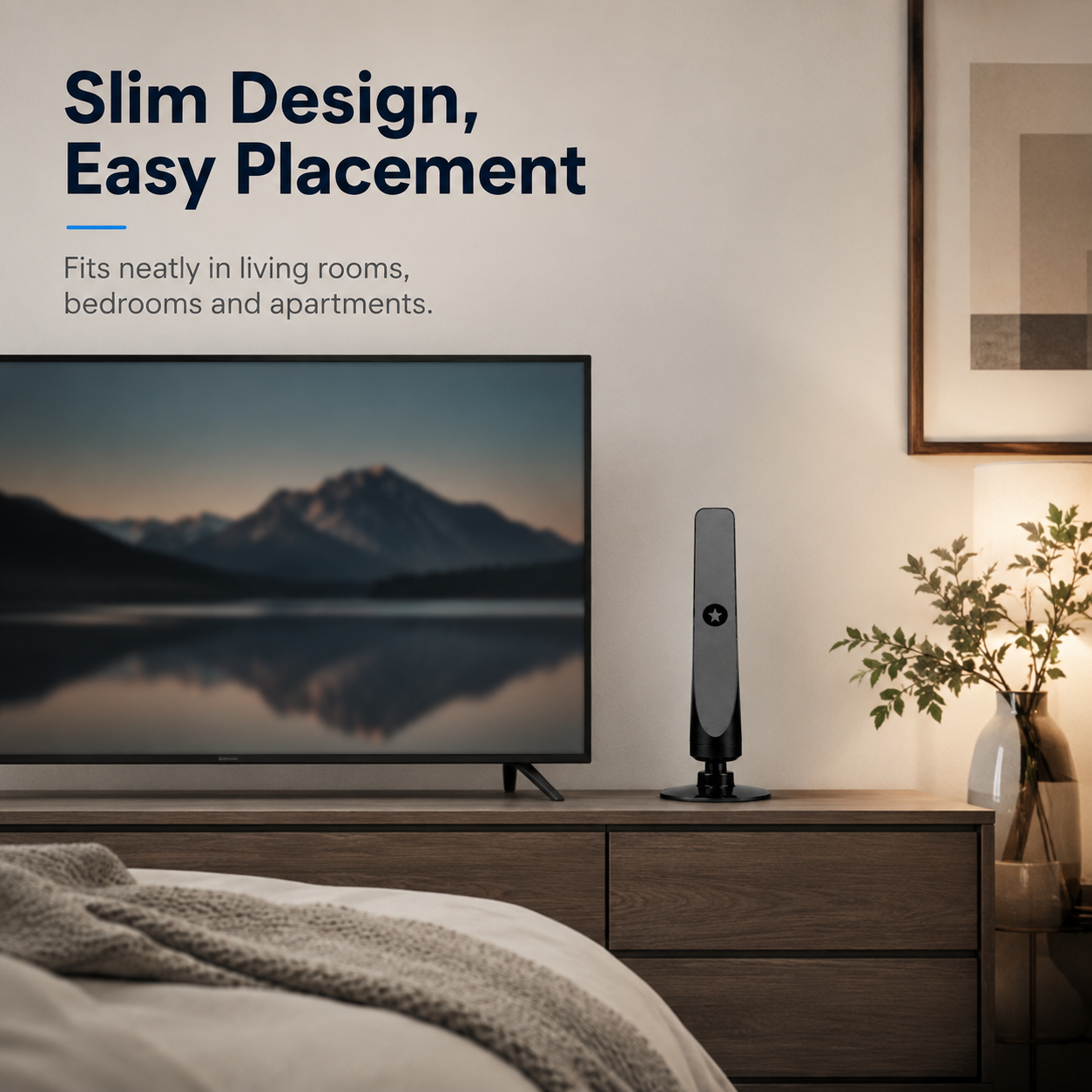
Slim Tower Design Fits Anywhere
Only 7.87 in × 3.14 in; stand it behind the TV, on the console, or suction it to a window – zero wall damage, zero visual clutter.
🔧 Tech Specs
| Receive Range | ~120 mi (line of sight) |
| Frequencies | VHF 87–230 MHz / UHF 470–860 MHz |
| Supported Resolutions | 4 K, 1080 P, 1080 i, 720 P |
| Antenna Size | 7.87 in H × 3.14 in W × 0.98 in D |
| Amplifier Modes | Short-Range / Long-Range switch |
| Coax Length | 16 ft (4.9 m) detachable |
| Power | USB 5 V ⎓ (TV port or adapter) |
| In-Box | Antenna ×1, USB-powered amp ×1, F-type adapter ×1, Manual ×1 |
💬 FAQ
Q1 · My TV shows “No Signal” – what do I do?
A1 · Make sure the TV is in “AIR/ANTENNA” mode, then run “Channel Scan”. Move the antenna near a window and rescan if necessary.
Q2 · Does my set need a tuner?
A2 · All HDTVs sold after 2007 include an ATSC tuner. If yours doesn’t, connect any digital-to-analog converter box between the antenna and TV.
Q3 · Will it work in the basement?
A3 · Reception drops behind concrete or metal. Place the antenna on the highest interior shelf or against a window for best results.
Q4 · How often should I rescan channels?
A4 · Stations add new sub-channels all the time. Run a fresh scan every month or whenever you reposition the antenna.